 shine map
texture
tone check
shine map
texture
tone check
Skin signals
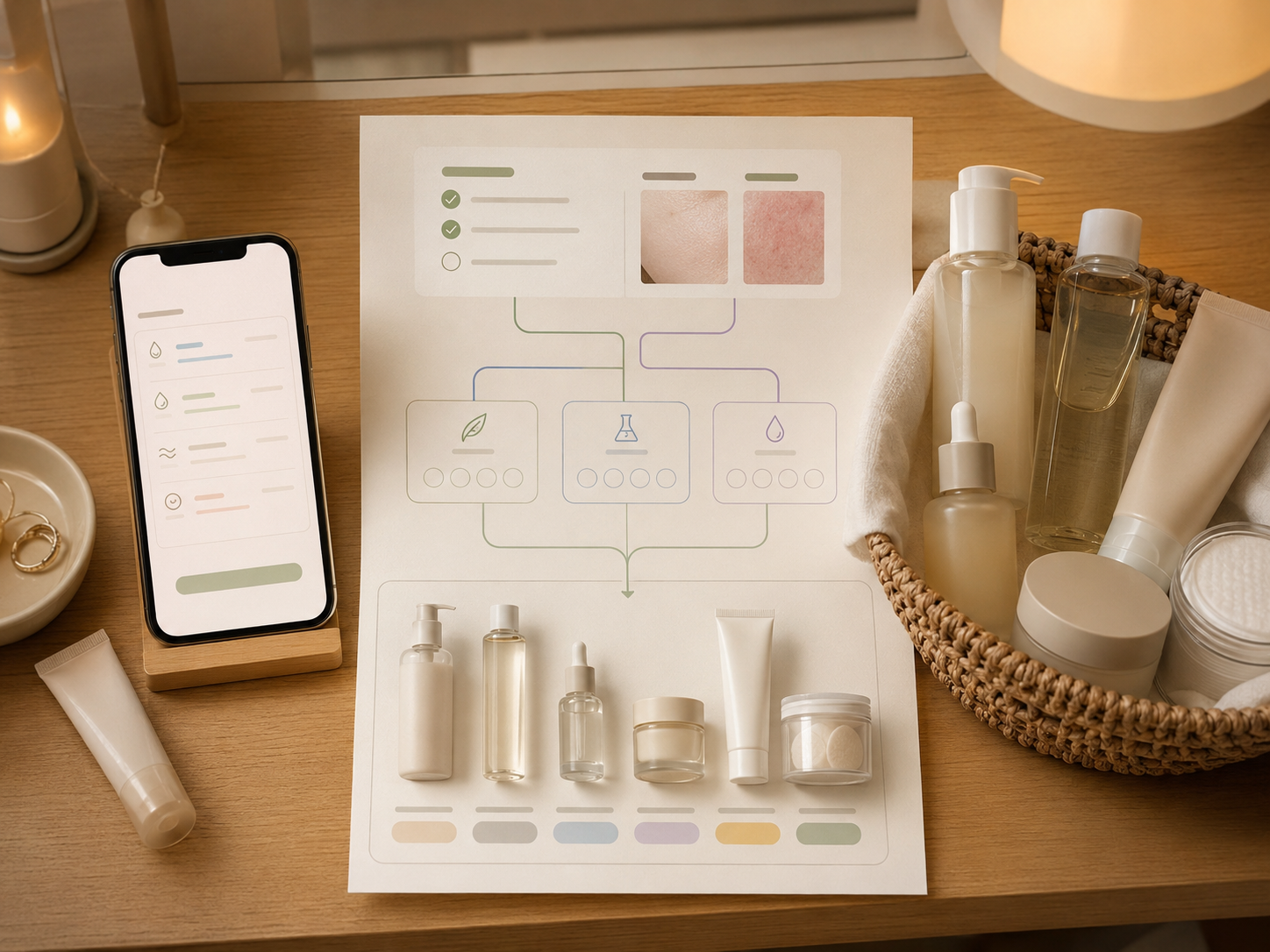
The skin type check comes first. This Sua example shows only the visible layer: shine distribution, texture, pores, tone marks, and redness-looking areas.
Do the skin type check first. Add photos only if you want visible skin notes. Sua then recommends Olive Young products that fit your likely type.
shine map
texture
tone check
The skin type check comes first. This Sua example shows only the visible layer: shine distribution, texture, pores, tone marks, and redness-looking areas.
 type fit
ingredient filter
product links
type fit
ingredient filter
product links
Sua puts products into a practical order based on what your skin seems to need, formula comfort, texture, and purchase access.
Email is required for report delivery. Marketing opt-in is separated from report delivery.
Report delivery and future notes are separate. This service version does not collect a service waitlist.
Choose one of five checkboxes per item. The result is a likely skin-type hypothesis, not a diagnosis.
Tap Make my report to see the result here. After that, Email my report sends the same report to your inbox.
Generate a report first, then send it to your email.
After you make a report, this side becomes your skin-type snapshot and product shortlist.
You will see a type code and plain-language notes for the four skin axes.
Product cards will explain why each item was picked, the first-use point, and where to check it.
Make the report first. Then the email button sends the same report to the address you entered.
The list starts with what looks useful for your type and routine. Popularity only helps when two products feel equally relevant.